Aimbot
Valorant Aimbot Settings Guide
Tune Valorant aimbot FOV, smoothing, hitbox and visibility checks so tracking stays effective without looking robotic on replay review.
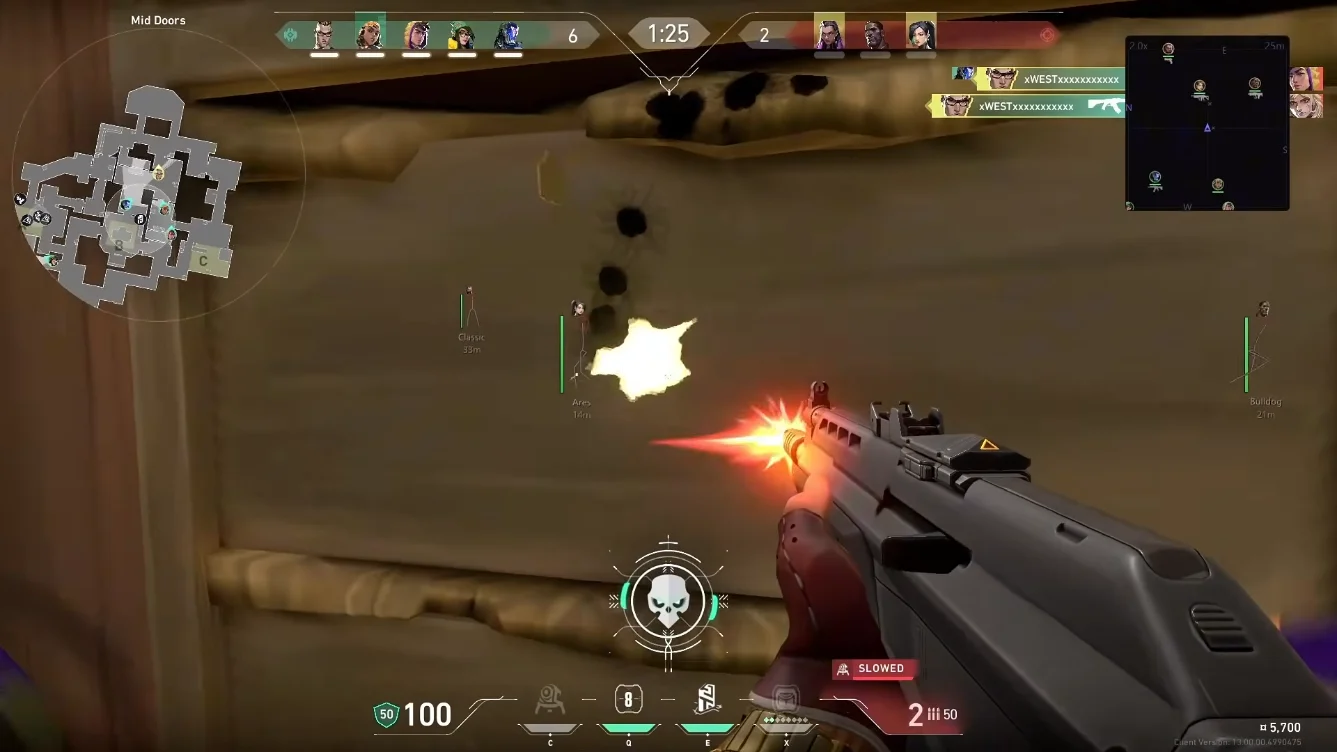
Start conservative
Blatant aimbot is the fastest report in Valorant — death replay and manual review still happen. Start with a tight FOV, heavy smoothing and body or nearest-bone targeting before head-only snap.
Confirm live Vanguard status on the product page first. Aimbot settings cannot save a detected build after a Riot or Vanguard update — see Vanguard status guide.
FOV, smoothing and distance
FOV is the assist cone. Small FOV reads as tracking; huge FOV reads as a magnet in close duels.
Smoothing is stealth. Higher means slower human corrections. Lower is snappier and riskier.
Cap aim distance so long-range picks do not look impossible on replay.
Visible-check and hitbox
Enable visibility checks so aimbot does not lock through solid cover — easy for teammates and reviewers to spot.
Body hitboxes are often safer than permanent head lock for legit-style play.
Save legit and rage configs
For awareness-only play, keep aimbot off and lean on Xray ESP. For rage tiers, save ranked and deathmatch configs on Private or Pro — check the compare matrix for which modules your tier includes.
Product